☀︎ Early access · macOS

Edit video like a doc.

gmclip turns long recordings into Shorts and YouTube cuts. Strike words in the transcript to cut, frame for 9:16 and 16:9, burn in captions, and let your own AI agent find the moments worth posting.

See every feature

Transcription runs on your Mac. No ffmpeg inside. Bring Claude Code, Codex, pi or opencode.

The gmclip app icon: a smiling sun
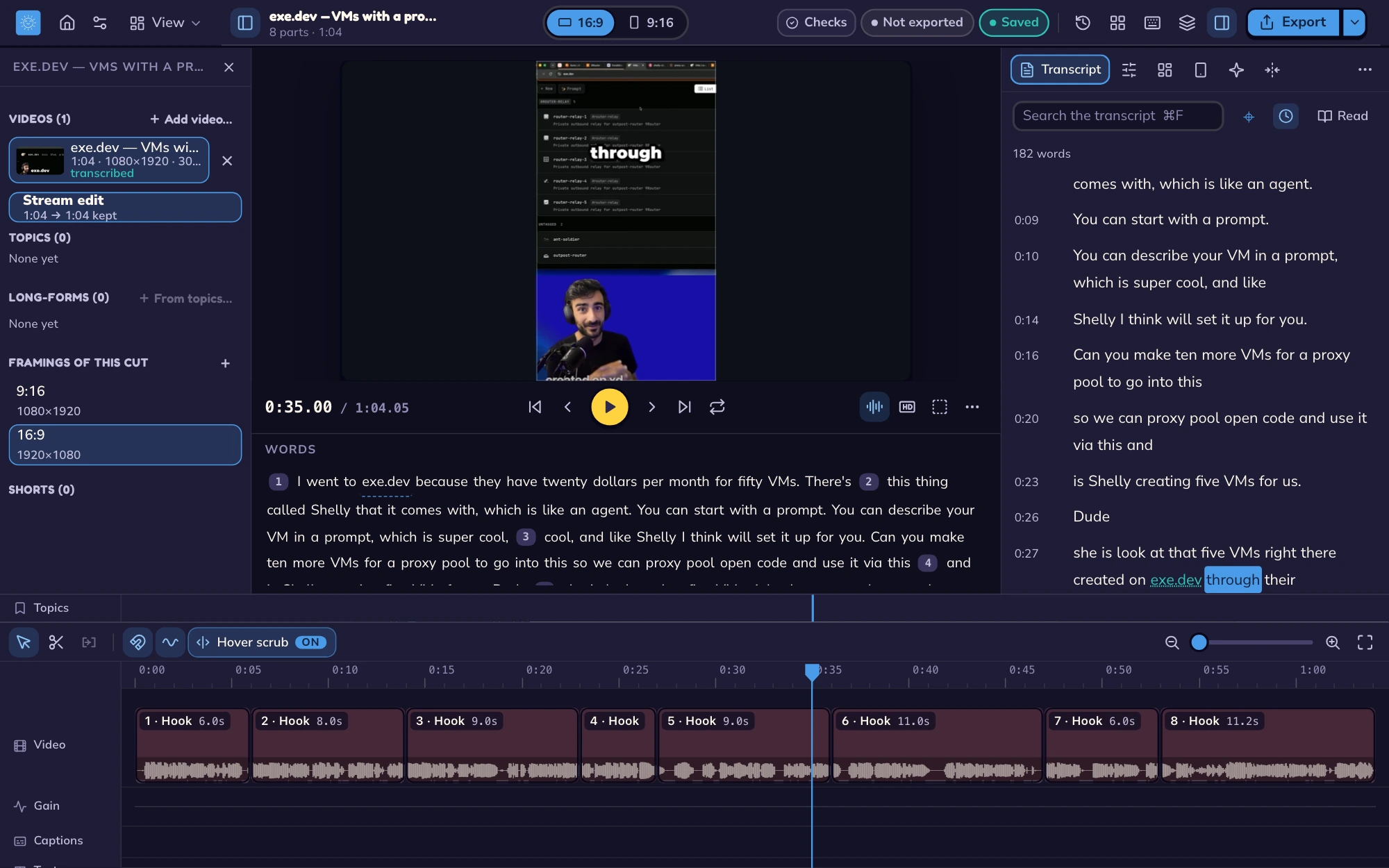
The gmclip editor with AJ’s exe.dev Short, its transcript, project map, and an eight-part timeline The same editor in the dark theme
At a glance

One recording in, every cut out.

A native editor with a Rust core, built for people who talk on camera and post everywhere.

0ffmpeg. Decoding and encoding use your OS's own codecs.
2framings from one cut: 9:16 for Shorts and Reels, 16:9 for YouTube.
4agents it can drive: Claude Code, Codex, pi and opencode.
−16LUFS loudness on export, so every clip sounds the same.
How it works

From raw take to posted clip.

Open a recording

Drop in an MP4, MOV, MKV or WebM. gmclip transcribes it on your machine, word by word.

Strike the words

Cut by deleting text. Tighten clears pauses and filler words in one go, and one undo brings them back.

Frame and caption

Pick 9:16 or 16:9, place crops and the facecam, and burn in captions with your keywords in yellow.

Export and share

Reels and YouTube presets at the right loudness, plus a review link your phone can open.

Word-based editing

The transcript is the timeline.

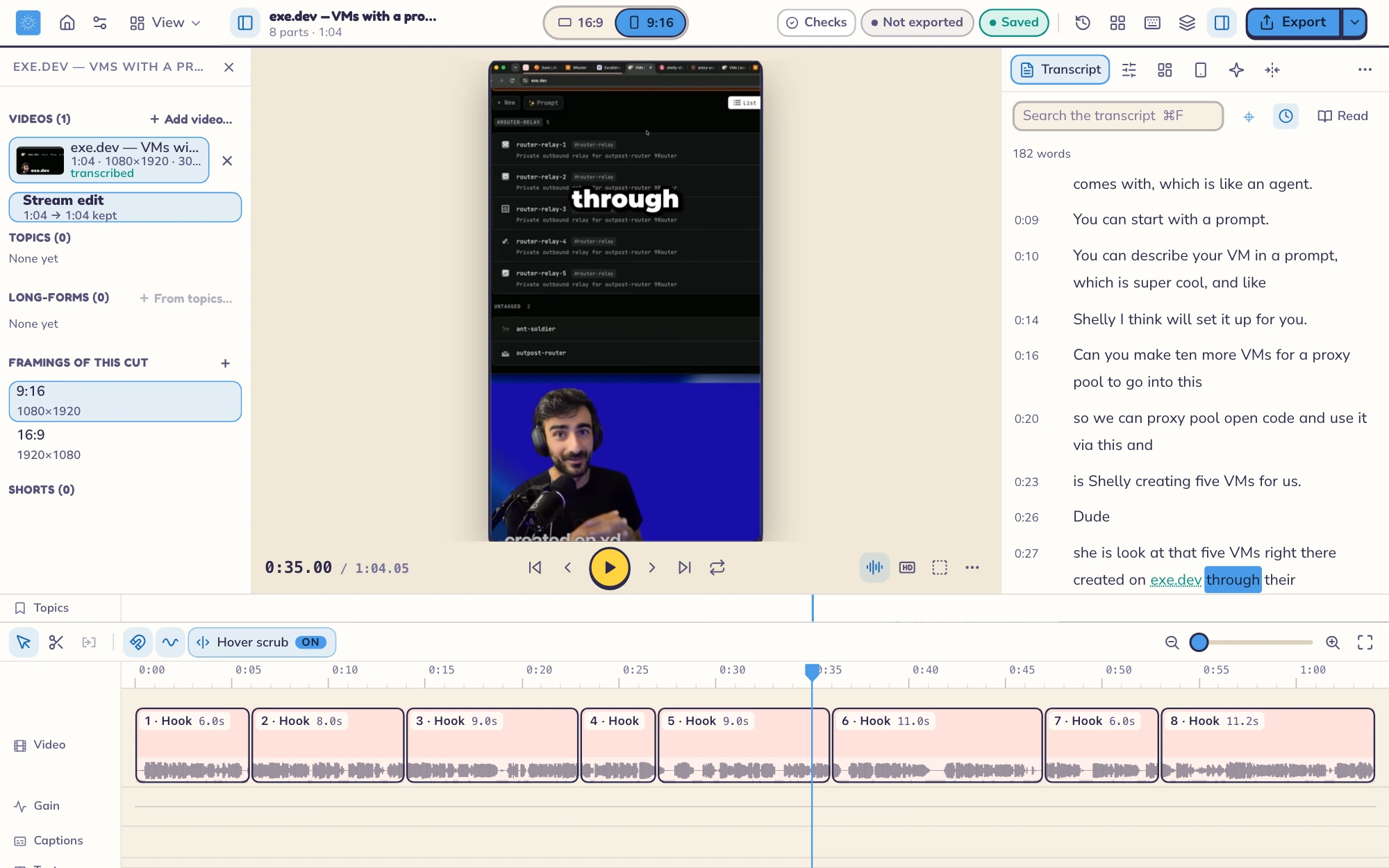
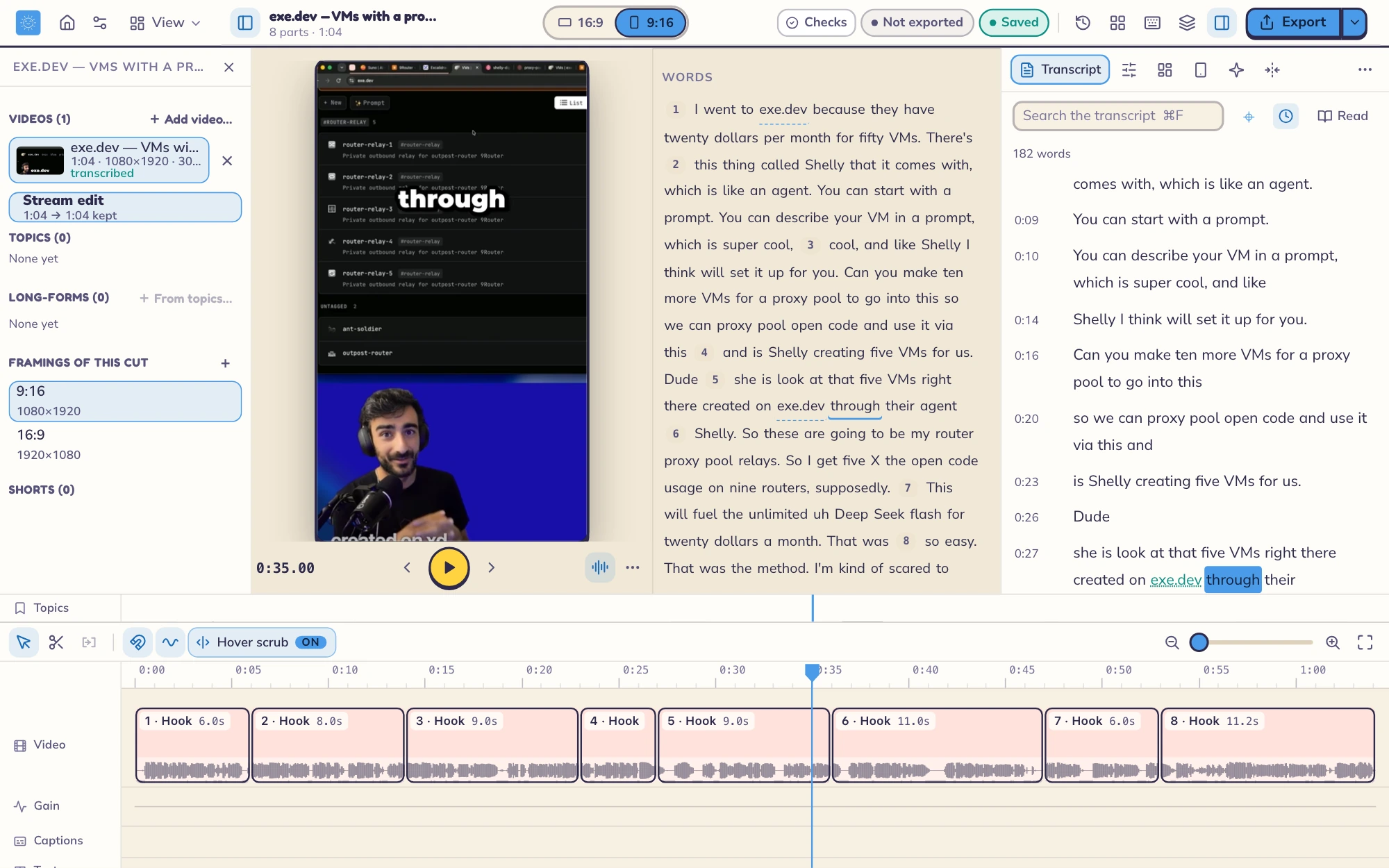
Every word links to its frame. Delete a sentence and the video goes with it; restore it and it comes back. Trims snap to word edges, so cuts land between words instead of halfway through one.
  • Tighten: pauses and filler words gone, undone in one step
  • Find and replace across captions
  • Named versions and a History you can browse
A vertical cut with the transcript beside the picture
Framing

9:16 and 16:9 from the same cut.

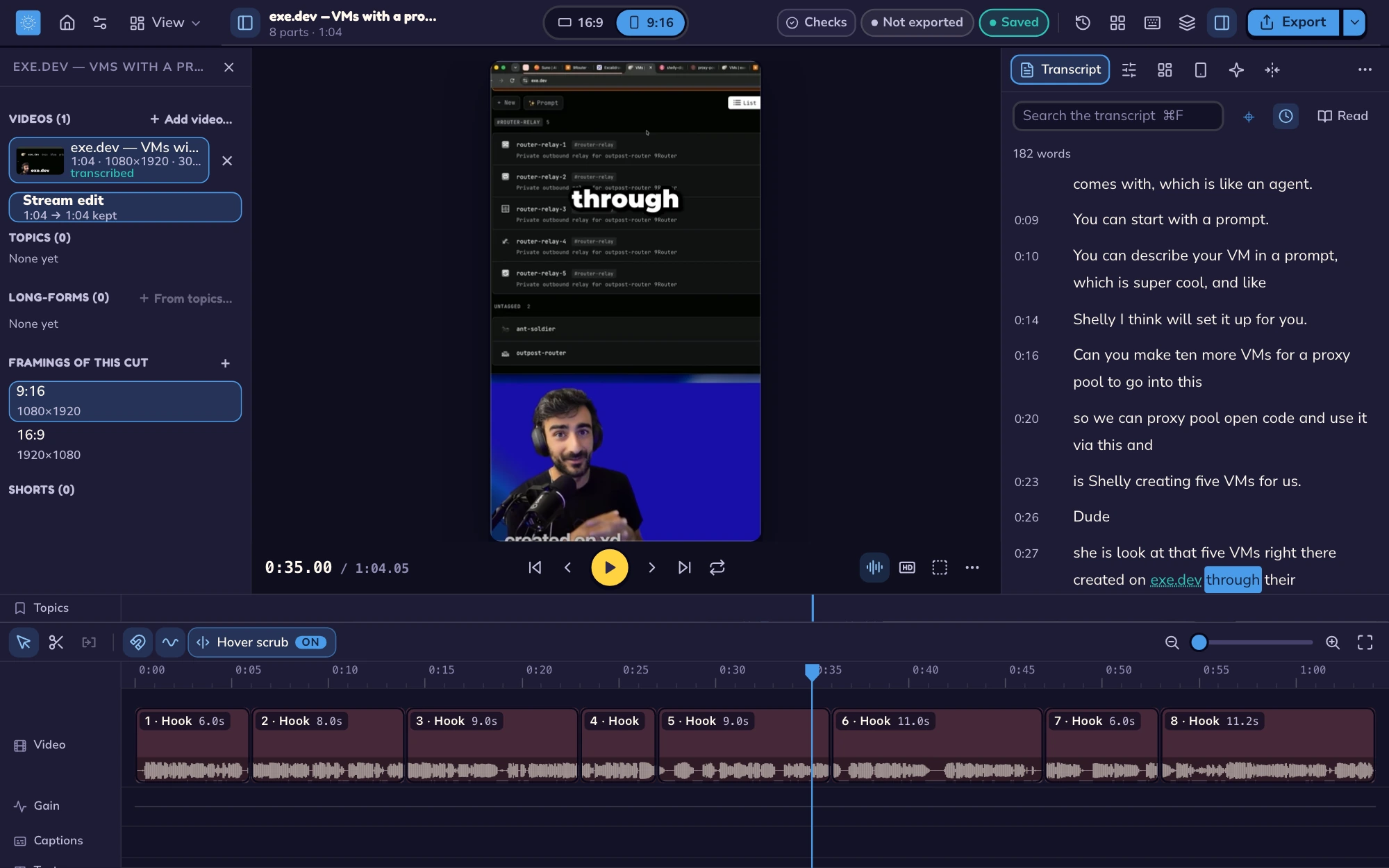
Each cut keeps both framings. Switch with one click and the edit follows. Presets for full screen and screen-plus-facecam get you most of the way, and crop boxes do the rest.
  • Crops that apply to every part at once
  • "Follow the action" crop that tracks what moves
  • Blurred fill and gradient plates behind the picture
  • Background cut-out without a green screen (Mac)
The same cut framed 16:9 in the dark theme
Timeline

Captions, gain and text, each on its own lane.

Put several videos in one project and arrange them on a single timeline. Trims there only hide footage, so nothing is lost. Captions, gain envelopes and on-screen text sit on lanes you can see and drag.

  • Burned-in captions of 1–3 words, keywords in yellow
  • Bounce, pop and fade, a style gallery, and "save as my style"
  • Gain per part or over a span, with fades
  • Pair a voice track with a hi-res picture, synced for you
The exe.dev edit with eight video parts, a waveform, and separate gain, caption and text lanes
Keyboard first

Fast hands, no hunting.

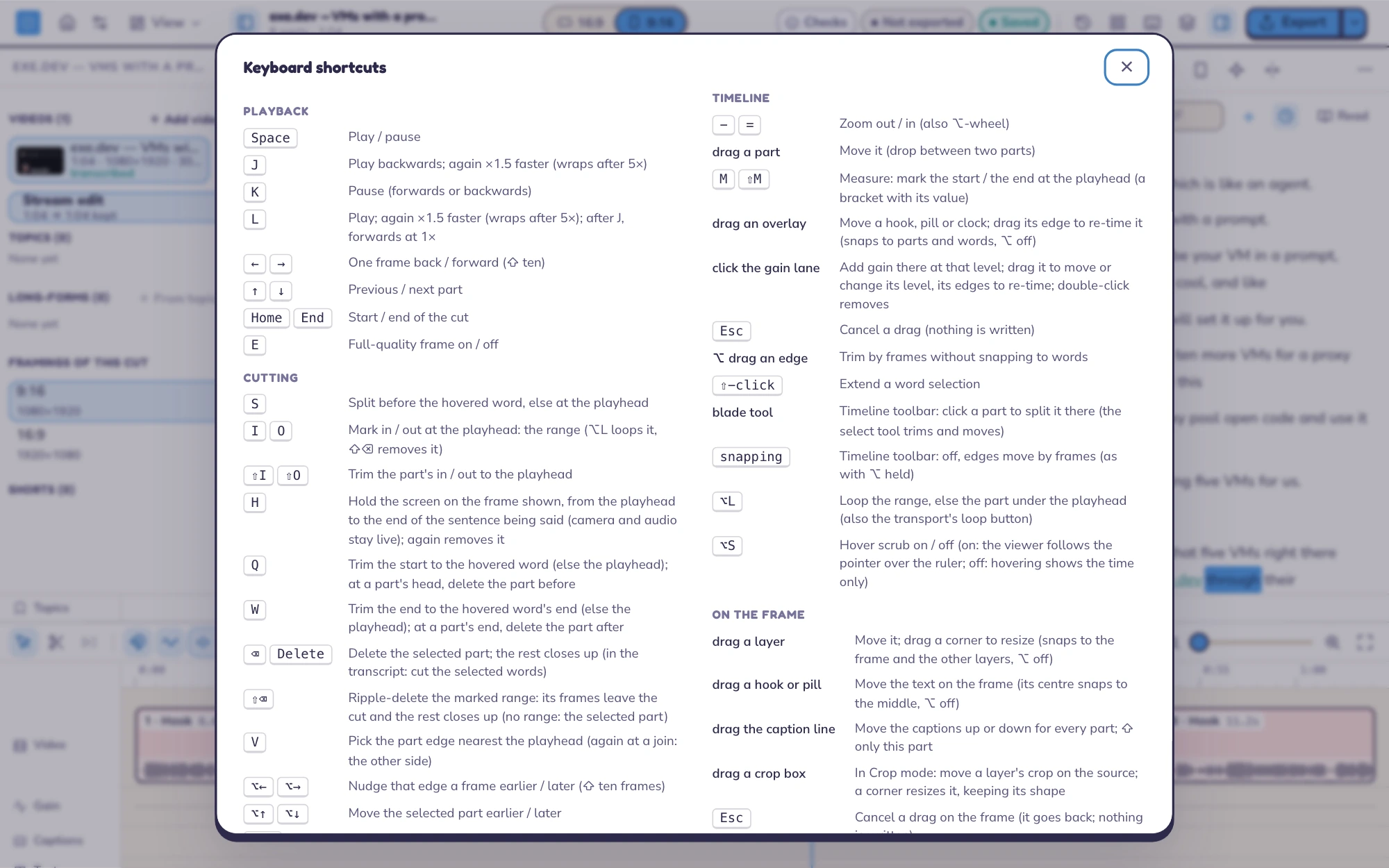
J/K/L to shuttle, I/O to mark, and a command palette that finds every action by name. Press ? anytime to see every key.
  • ⌘K command palette
  • Hover scrub across the timeline
  • Panes you can hide, resize and lay out your way
The keyboard shortcuts sheet
Everything inside

Every feature, on one page.

What's built today. Mac first, with Windows close behind.

Word-based editing

Cut and restore by editing the transcript.

  • Word-snapped trims
  • Tighten pauses and fillers
  • Find and replace
  • Versions and History

Moments, by your agent

Your own AI agent finds the moments; nothing runs until you click.

  • Find moments, then sweep for missed ones
  • Grow a story: it suggests, you apply
  • Chat-log spikes become moments
  • Tap to mark moments while you watch

Framing

Vertical and horizontal from one edit.

  • Full screen and screen + facecam
  • Follow-the-action crop
  • Blurred fill, gradient plates
  • Cut-outs without a green screen (Mac)

Captions and text

Burned in, styled and timed to each cut's own audio.

  • Keyword highlights
  • Text hooks, section pills, run clocks
  • Stressed-word emphasis and punch-ins
  • Caption style gallery

Project timeline

Several videos, one arrangement.

  • Non-destructive trims that only hide
  • Stream edits, topics and long-form cuts
  • YouTube chapters
  • Voice + hi-res picture pairing

Audio

Levels that hold up on every platform.

  • Audio lane and waveforms
  • Gain per part and per span
  • Fades
  • −16 LUFS loudness on export

Export and packaging

Ready to post, not just rendered.

  • Reels and YouTube 1080p / 1440p presets
  • Thumbnails with versions
  • Copy drafts per platform
  • Alternate openings to test

Agents and MCP

A built-in MCP server gives an agent every feature.

  • Claude Code, Codex, pi, opencode
  • Each run isolated to gmclip's tools
  • Overnight batches with budget limits
  • "Fix with my agent" from a comment

Review from your phone

Scan a QR code and give notes from the couch.

  • Keep, change or drop each cut
  • Comments pinned to the moment
  • Suggested edits you approve
  • Retention CSV on the timeline

Brand kit

Your look on every cut, set once.

  • Name, handle, colours, logo, face
  • Overlay templates and lower thirds
  • End cards that loop to the opening
  • A caption style for new projects

Search and library

Find anything you've ever said.

  • Search by words or by meaning
  • Across every transcript you own
  • Golden cuts and "new cut like this"
  • Consolidate a project into one folder

Local and safe

Your footage stays on your machine.

  • On-device transcription
  • Crash recovery and automatic backups
  • Handles a full disk gracefully
  • No ffmpeg in the app
Light & dark

Bright mornings, late nights.

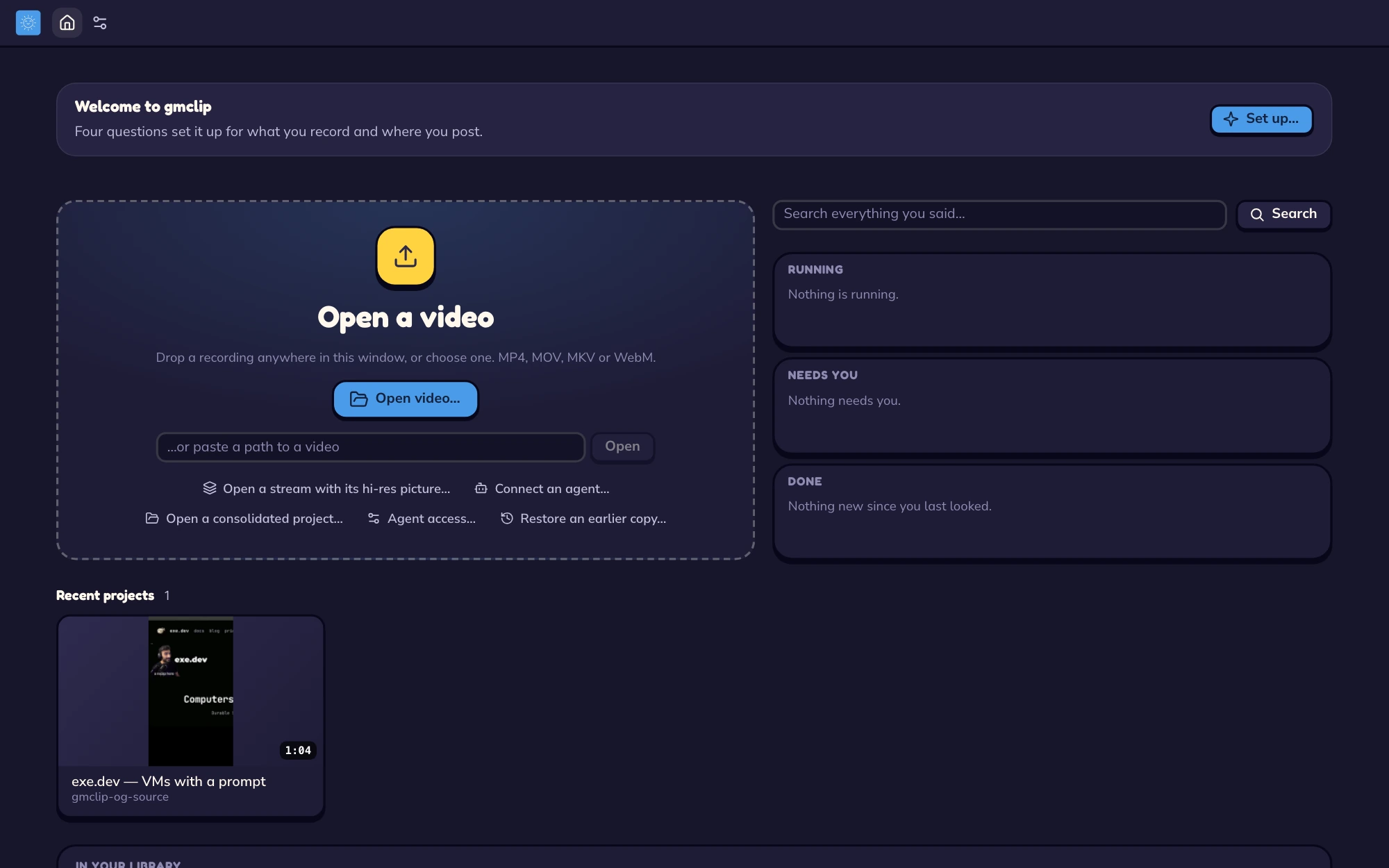
A cream theme and a night-ink theme, both following your system by default.
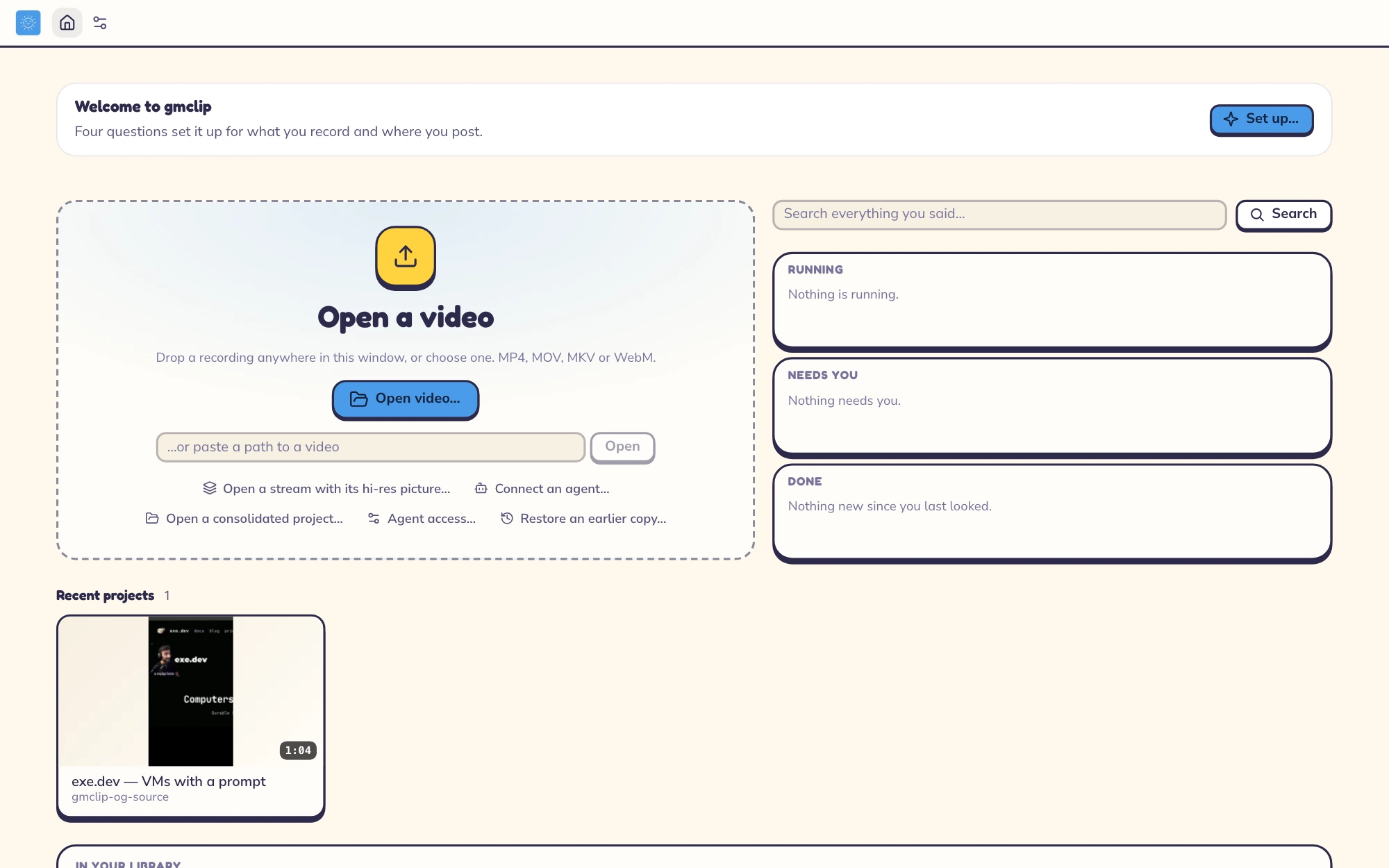
Home in the light theme
Home in the dark theme

Good morning. Clip it.

Get an email when gmclip is ready for you. macOS first. Windows is on the way.